

Twenty tickets sounds small until you realize it is exactly one Haunted Harvest Crown. That is the whole pitch of the Creatures of Sonaria quest in The Hollow: finish one short task, grab an event badge and walk away with 20 tickets for the hub shop. This guide covers how to find the quest from the hub, what the event badge and the 20 ticket payout are, how to redeem them without getting stuck, and what to spend them on. I will also be upfront about the parts nobody has pinned down yet, because event guides love to sound sure while knowing very little.
⚡ Quick Answer
Open the partner games list in The Hollow hub and pick Creatures of Sonaria. Complete its event task, then return to the hub and open the redeem badges panel. Press Confirm to collect the event badge's 20 tickets, then spend them in the hub shop.
What Is the Creatures of Sonaria Quest in The Hollow?
The Hollow is Roblox's Halloween 2026 event, a hub with a theater inspired maze, daily challenges and free avatar items. Beyond the maze, the event sends players out to partner games for side quests. Creatures of Sonaria, a creature survival game, appears on the list of participating experiences. Each partner quest is reported to pay 20 tickets and an exclusive event badge, and tickets are the currency you spend in the hub shop.
Every partner quest works the same way. You play someone else's game, finish a task, and the hub turns the effort into rewards. The event runs from October 22 to November 2, 2026, so you have time, but not infinite time.
⚠️ Important: Here is the honest part. I could not find a written description of the exact Creatures of Sonaria task, and the badge name is not published in the guides I checked. The steps below combine the confirmed hub process with what a short video walkthrough shows, and I label which is which. Always trust the quest prompt inside the game if it disagrees with any guide.
How Do You Find the Quest From The Hollow Hub?
Everything starts in the hub, not in the partner game. The hub lists the participating games along with the ticket reward for each one. Joining a game does not complete the task, so treat the list as a launchpad and not a finish line.
- Enter The Hollow hub: load into the event hub and walk into the shop area.
- Open the partner games list: this shows the participating partner games and their rewards.
- Pick Creatures of Sonaria: select it from the list and confirm the teleport.
- Read the event prompt in the game: follow the current Hollow instructions you see on screen.
- Complete the task: look for a completion message or the badge notification.
- Return to the hub: the badge is redeemed back in The Hollow, not in the partner game.
💡 Pro Tip: Entering a game is not the same as finishing its task. If you teleport back before you see a completion message or a badge pop up, you will come home with nothing.

What Does the Quick Walkthrough Show Inside the Game?
A very short walkthrough of the quest runs under a minute, and that tells you something already: this is a light task, not a grind. It starts in the main lobby or hub area, where the player heads straight to the event area. From there, the player interacts with an object to start a quick quest line, completes a brief objective and sees the badge confirmation pop up. Treat that sequence as reported, since I could not match it to a written source.
You might also like
| Stage | What Is Reported | Status |
|---|---|---|
| Arrive | Start in the lobby or hub area and go to the event area | Reported |
| Start | Interact with the event object to begin the quick quest line | Reported |
| Finish | Complete a brief objective | Reported |
| Reward | Badge confirmation appears and 20 tickets follow after redeeming | Partly confirmed |
The ticket amount itself is better supported. Guides for the event say each completed partner quest pays 20 tickets plus a badge, and the hub's own list shows the reward before you commit. That makes the payout the most reliable number in this whole post.
How Do You Redeem the Badge and Collect the 20 Tickets?
- Return to The Hollow: finish the task, then teleport back to the hub.
- Close the how to play card: this clears the way for the redeem panel.
- Wait for the redeem badges panel: it opens and lists your badges with their ticket values.
- Press Confirm: the tickets go to the counter in the bottom left corner.
- Check your balance: make sure the number went up by 20 before you spend anything.
Progress alone does not pay out. You have to confirm the redemption, which is the step people skip when they are excited to go shopping. If the panel does not appear, interact with the portal or postal sign outside the door you teleported from, then confirm.
What Can 20 Tickets Buy in The Hollow Shop?
| Shop Item | Price | 20 Ticket Quests Needed |
|---|---|---|
| Haunted Harvest Crown | 20 tickets | 1 |
| Quack-o'-lantern (Roblox Plus) | 20 tickets | 1 |
| Flashlight | 20 tickets | 1 |
| Night Vision Goggles | 40 tickets | 2 |
| Radar Detector | 80 tickets | 4 |
| Gourdlord | 100 tickets | 5 |
| Invisibility Cloak | 120 tickets | 6 |
📊 Key Stat: One Creatures of Sonaria quest covers a Haunted Harvest Crown on its own. Gourdlord costs 100 tickets, which is five 20 ticket quests, and one partner game is reported to have paid 40 tickets for beating a single objective. Prices were current as of October 24, 2026.
You might also like
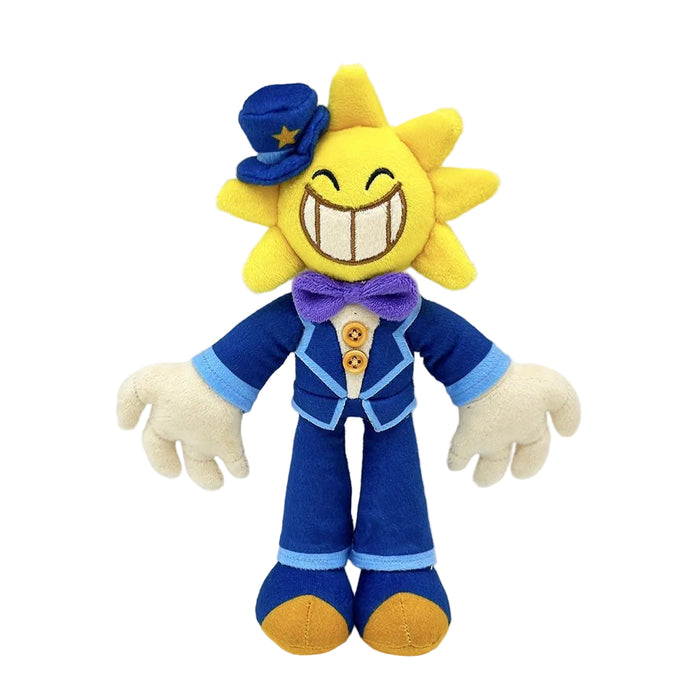
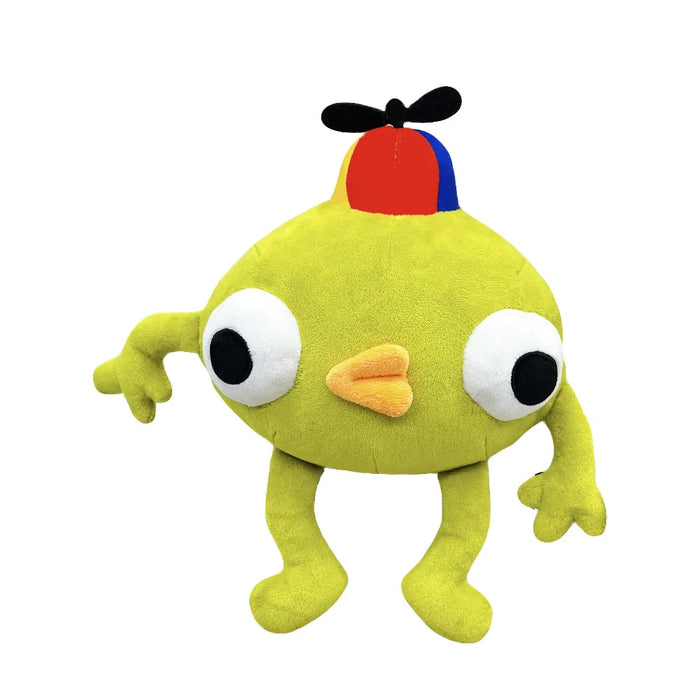
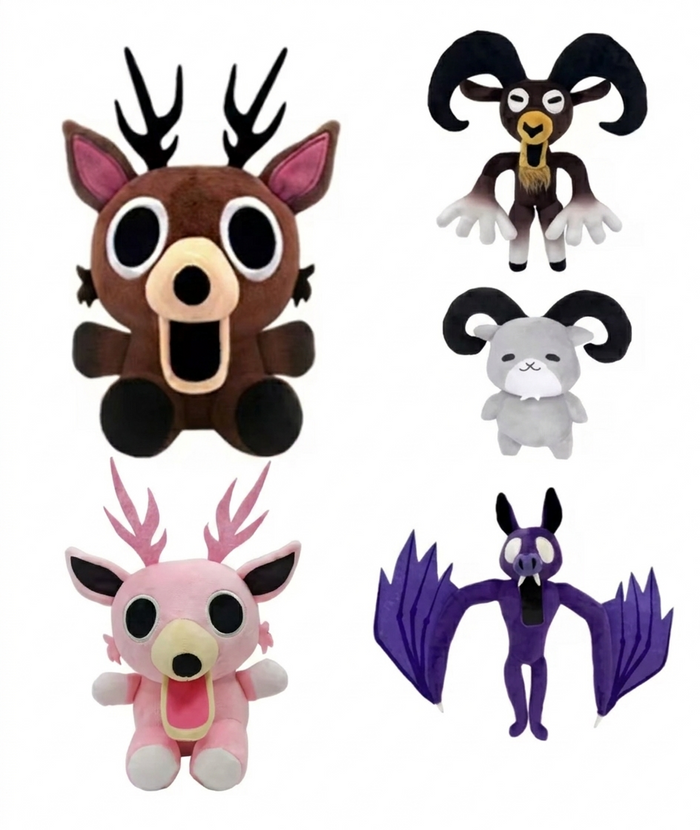
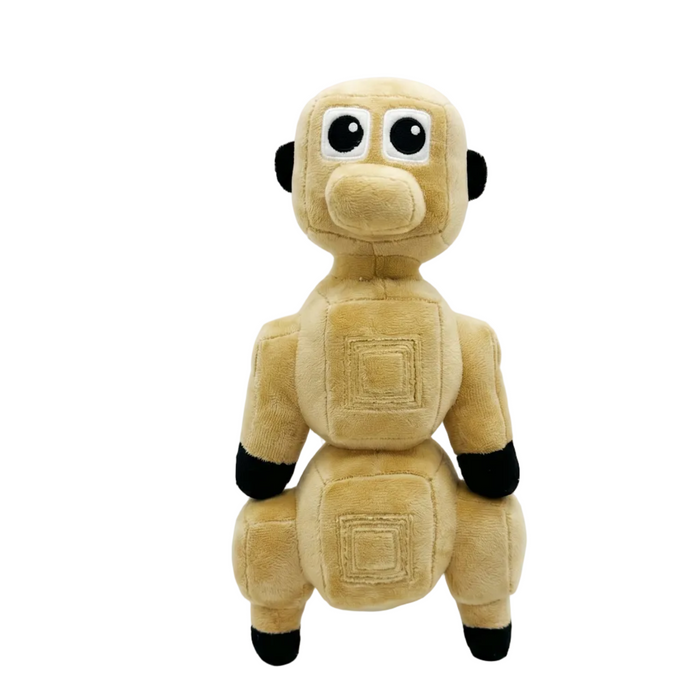
When I went looking for the exact Sonaria steps, I found plenty of lists that named the game and almost none that described the task. That gap is why this post leans on the hub's confirmed rules and labels the rest. My own plan for a first night is simple: one quest, redeem it, then buy the Crown, because a guaranteed cosmetic beats saving tickets for a maybe.
Can You Claim Tickets for a Quest You Already Finished?
Possibly. One guide says that if you finished a partner quest before the event, you can teleport into the game from The Hollow and back again to claim the tickets without replaying the task. That is reported for the event in general, not confirmed for Creatures of Sonaria, so try it before you redo anything. If the claim does not trigger, then replay the short task.
What Mistakes Should You Avoid?
- Leaving too early: teleporting home before the completion message means no badge.
- Skipping Confirm: the redeem panel pays out only after you press the button.
- Ignoring your balance: check that tickets rose before you head to the shop.
- Buying from the wrong tab: hub items and avatar items are separate sections.
- Chasing locked items: enough tickets will not open an item that still has a countdown or a future day label.
- Trusting a stale guide: the in game prompt always wins over any written walkthrough.
Launch weeks also bring crowded servers, so if a quest trigger looks broken, rejoin a fresh server before you assume the task is bugged.
Frequently Asked Questions
How do you get the Creatures of Sonaria event badge?
Open the partner games list in The Hollow hub and select Creatures of Sonaria. Complete the event task you see in the game, then return to the hub. The badge is redeemed in the hub, not in the partner game, so make sure you see a completion message first.
How many tickets does the Creatures of Sonaria quest give?
Guides for the event say each completed partner quest pays 20 tickets plus an exclusive badge, and the hub list shows the reward before you start. The exact Sonaria payout was not described separately, so check the number shown in the hub list and confirm your balance after redeeming.
How do you redeem event badges in The Hollow?
Finish the partner game task and return to The Hollow. Close the how to play card and wait for the redeem badges panel to open. It lists your badges with their ticket values. Press Confirm and the tickets appear in the counter in the bottom left corner.
What can you buy with event tickets?
Reported shop prices include the Haunted Harvest Crown for 20 tickets, the Roblox Plus Quack-o'-lantern for 20, Gourdlord for 100 and survival tools priced from 20 to 120 tickets. New avatar slots unlock daily, so check the category before you spend.
Can you claim a quest you already finished?
One guide says you can teleport into the partner game from The Hollow and return to claim tickets for a quest you finished before the event, without replaying it. That is reported for the event in general and not confirmed for Creatures of Sonaria, so test it first.
Does joining the game complete the quest?
No. Entering a partner game does not finish its task. You need to follow the current Hollow instructions in the game and look for a completion message or the badge notification. Only then does returning to the hub and confirming the redemption pay out tickets.
When does The Hollow event end?
The Hollow runs from October 22 to November 2, 2026. Claims close at noon Pacific on November 2, so finish the Creatures of Sonaria task, redeem the badge and spend your tickets in the shop well before that deadline.
Your Creatures of Sonaria Game Plan
Go through the hub's partner games list, finish the Creatures of Sonaria task, confirm you saw the completion message, then return and press Confirm on the redeem panel. Twenty tickets will land in your counter, enough for a Haunted Harvest Crown or a start on bigger items. Do it early, check your balance before you shop and never trust a guide over the prompt in front of you. Then go spend those tickets like someone who read the instructions.